Fake passport requests: how to help your clients spot them
Fraudsters pose as a firm asking for a passport copy. How to teach your clients to spot a fake request, and to recognise your real one straight away.
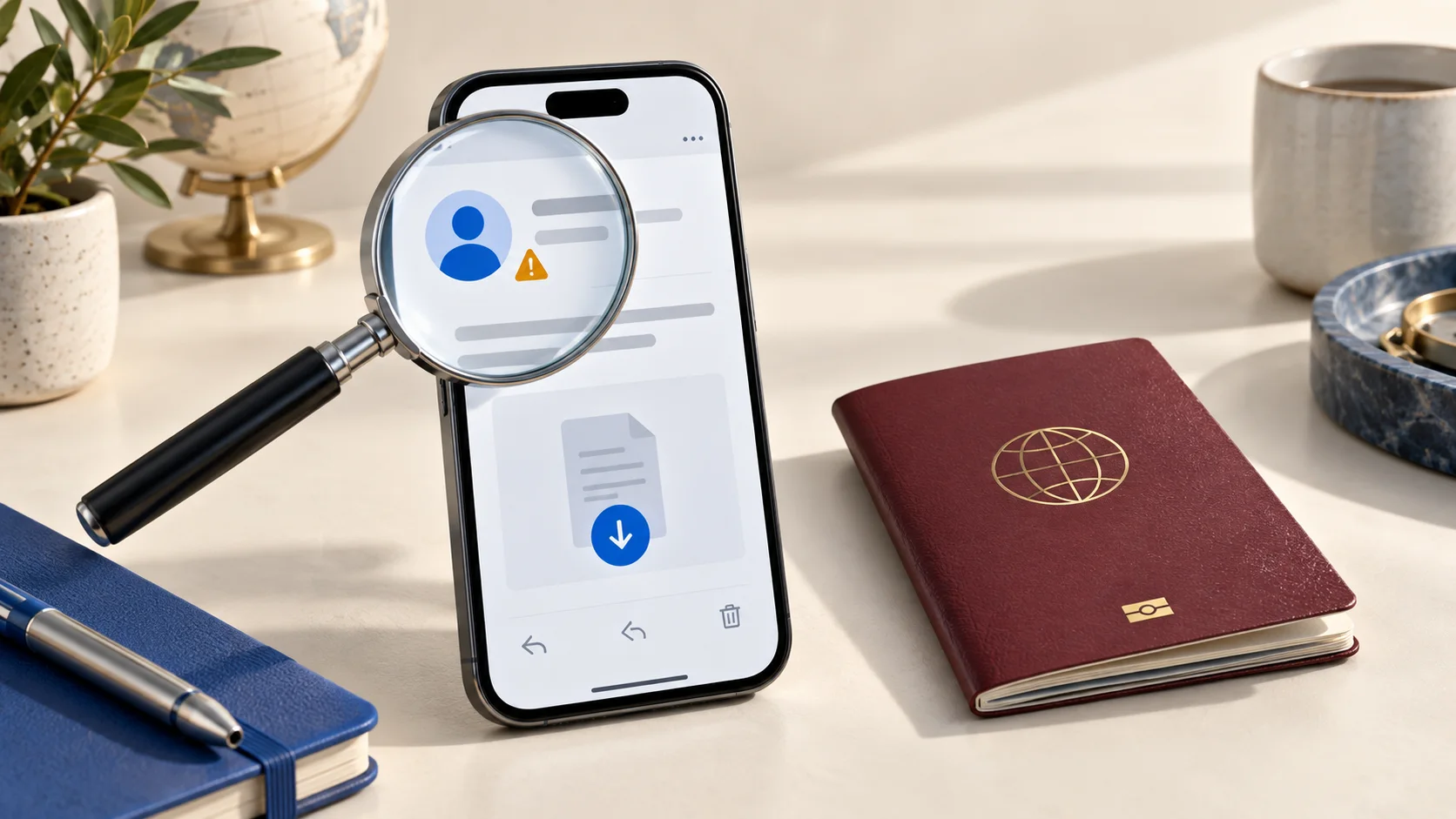
When your clients recognise a fake request, you protect them from identity fraud and your firm from misuse of its name. And when they recognise your real request straight away, they deliver faster and do not have to call first to ask whether it is genuine. Both start with a clear, fixed way of working.
This article explains why fraudsters use your name, what such a request looks like, which signs you can share with your clients and how to make your own requests recognisable.
Why fraudsters pose as a firm
An ID document holds exactly what a fraudster needs: name, date of birth, photo and document number. With it, they can pose as someone else at some organisations, apply for a loan or subscription, or mislead others. People do not send such a copy to just anyone. They do send it to their accountant, estate agent or mortgage adviser, because those ask for it more often. That is why fraudsters like to borrow a firm's name.
What a fake request looks like
A client of an estate agency is looking for a rental home. A day after the viewing, they get an email that looks like the agency's: there are many applicants, so if they send a photo of their passport today, they go to the top of the list. The address is one letter off from the real one. The client really wants the home and sends the photo. The agency only finds out when the client later calls about a contract that was never sent.
Another variant is a message through a chat app, supposedly from a staff member with a new number, asking whether the client can quickly send another copy. The tone is familiar and the reason urgent. Because the client knows the name, they do not ask questions.
Six signs to share with your clients
No single sign proves that something is fake, but the more of them come together, the more likely it is fraud. Put them in your welcome email or on your website, for example.
- There is urgency. 'Today, or the home goes to someone else.'
- The request comes through a channel the firm does not normally use, such as a private number or a chat app.
- The email address looks like the firm's, but one letter or a hyphen is different.
- The client has to log in through a link in the message, instead of through the website they already know.
- The request does not match anything the client started themselves.
- No reason is given, or a vague one, such as 'for our records'.
Make your own requests recognisable
- Agree on one way of working. Tell new clients how you request documents, and that you never ask for a passport through a chat app or a private number.
- Always request through the same channel, with the same sender and the same layout. A request that deviates then stands out by itself.
- Explain why you need something. A real request has a clear reason, and a client who knows that reason trusts the request sooner.
- Give your client a way to check. For example a reference in the request that they can mention when they call you on the number they already know.
- Always let a client who has doubts call back, and never hold it against them. Real firms have no problem with that.
If a client did send a copy
The faster someone acts, the smaller the damage. Advise your client to warn their bank, report it to the police and to the national fraud helpline where there is one. If your name or branding was misused, report that yourself as well, and warn your other clients with a short email through the channel they know you by. Shame often holds people back, so tell them it can happen to anyone.
How TransferGuard helps
With file requests, you send your client a link to an upload page in your firm's branding. You share that link yourself, through the channel your client knows you by. Your client confirms with a code by email and uploads the copy encrypted, without an account, and only you can open it. When you send documents yourself, the TransferGuard invitation shows your name with your confirmed email address, and includes a reference your client can mention when they call you. After the chosen period we delete the files. What you have already downloaded stays in your own file.
You can also have your own identity checked for free. For a year, your client then sees a tick next to the name on your ID. That tick says who you are, not which firm you act for, and not that every request is sensible. So always keep explaining why you ask for something.
File requests are part of Certified Delivery, at € 15 a month excluding VAT. With the free plan you send files yourself, up to 3 GB per transfer and 3 transfers a month.
This article is general information, not legal advice. If a client has become a victim of fraud, the first step is to contact their bank and the police.