Identity check with face comparison: what happens to your photo?
For an identity check you take a photo of your ID and of your face. This is why that can be safe, what happens to those photos and what we keep ourselves.
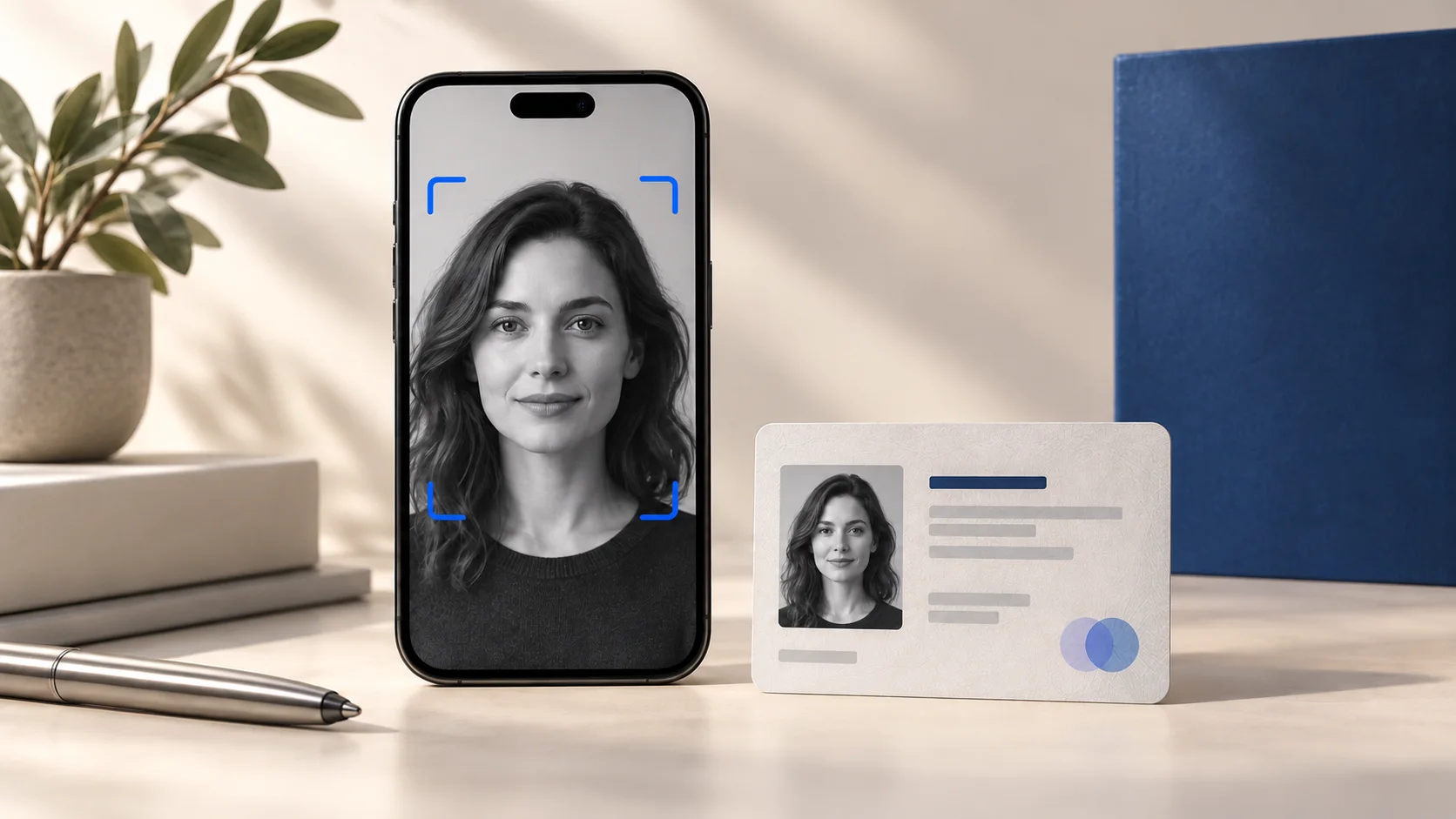
For many people an identity check feels like a lot: a photo of your passport and a selfie, just to open a file. Yet it gives you something in return. The sender knows the file reaches the right person, and you know nobody else can get to it with your name and an intercepted link. That is exactly what you want for a mortgage file, annual accounts or a copy of your passport.
In this article you will read why a sender asks for this, what you do, what happens to your photos afterwards and what TransferGuard does and does not keep itself. You need no account or app for it.
Why a sender asks for an identity check
A link to a file is nothing more than an address. Whoever has the link can open it, even if it was not meant for them. That happens more easily than you think: an email gets forwarded, a colleague reads along in a shared mailbox, or someone with access to your inbox sees the message before you do. A code by email only protects against that as long as the mailbox itself is safe.
A sender who shares sensitive documents therefore wants something stronger than an email address. Say a financial adviser shares your payslips and a copy of your passport. If an outsider opens that file, the damage is big and usually cannot be undone. An identity check makes that far less likely, because the recipient has to show a real ID and their own face.
What you do yourself
The check is designed to be quick. You need a phone or a computer with a camera and a valid ID to hand. Documents from more than 220 countries are recognised.
- You open the link in the email and first confirm your email address with the code you receive by email.
- You start the identity check and take a photo of your ID, such as a passport, ID card or driving licence. Lay the document flat, with enough light and no reflections.
- You record your face. The system checks that a real person is in front of the camera and that you are not using a photo of a photo or a screen.
- The system compares the face with the photo on the document and reads the name from the document.
- If the name matches the name the sender entered, the file opens. If not, you get a message and can try again.
Why the liveness check and the comparison matter
A photo of an ID is easy to fake or steal. Whoever has a stolen copy of your passport can claim to be you if there is no further check. That is why the system does two things. The liveness check shows that a real, living person is in front of the camera. The comparison shows that this face belongs to the document. Together they make sure a copy of a passport alone is not enough.
An example: someone gets the link to your mortgage documents through a leaked mailbox and has found a scan of your ID somewhere. Without a face check, that might be enough. With a liveness check and face comparison they get no further, because their face does not match the document.
What happens to your data
This is the most important question for most people. The short answer is that the photos do not end up with us. The check is carried out by a specialised partner in the EU. We only receive the outcome and a few details the sender needs to know who opened the file.
- The photo of your document and the face recording are processed by a specialised partner in the EU, not by TransferGuard.
- TransferGuard itself keeps no photos and no biometric data.
- We keep, encrypted, your name, date of birth, the type, number and country of the ID, and the outcome of the check. The document number lets the sender report fraud to the police. We do not keep your national ID number.
- We have the check deleted at the partner as soon as the result is in, and we have switched off the use of our data for training. For its own purposes, such as fraud prevention, the partner's privacy notice applies.
- After a successful check you can choose to have your identity kept for 1 year, so you are quicker next time. If you do not, you simply open this one file.
Why do we keep your name and date of birth at all? The sender has to be able to see who opened the file, and that appears in the report of the transfer. Without that name the check would be of no use to the sender. We keep those details encrypted, together with the report: for 1 year with Certified Delivery.
Face comparison next to other checks
Not every sender needs to ask for an identity check. Below you can see which check fits which situation.
| Check | What it shows | When it fits |
|---|---|---|
| Code by email | That the recipient can reach that mailbox | Ordinary documents, quick exchange |
| Code by SMS | That the recipient also has the phone | Somewhat more sensitive documents |
| Identity check | Which person opens the file, with name and face comparison | Passports, mortgage and financial documents |
Questions people ask
- Do I have to create an account? No, you go through the check straight from the link.
- Does the sender see my photo? No, the sender gets the outcome and your name, not the photos.
- What if my face is not recognised? Try with more light, without glasses or a cap, and with the document lying flat in view. If it still does not work, contact the sender.
- Can I have my data deleted? You have the right of access and, where the law allows, deletion. The sender is responsible for the transfer report, so ask them. A saved identity you can delete yourself through the link at the bottom of our emails, or via info@transferguard.eu.
- Is a copy of my passport still needed? That is up to the sender. The check itself does not ask you to email a copy.
How TransferGuard solves this
A sender who chooses Certified Delivery can set per transfer that the recipient goes through an SMS code or an identity check in addition to the email code. The plan includes 10 identity checks per month for the whole team. In the free version the recipient confirms with a code by email.
The files themselves are encrypted in the sender's browser before they are uploaded. By default TransferGuard emails the recipient a link without the key. The key is stored encrypted with us and is only released after the recipient has confirmed with a code or the identity check. After the chosen period the files are deleted.
A sender can also have their own identity checked for free. For a year, you then see a tick next to the name on their ID. That tick says who the person is, not which company they act for.
If you are a professional with a legal duty to identify your clients, for example as an accountant, estate agent or adviser, that duty stays with you. The TransferGuard check shows that the right person opens your file, but it does not replace how you must identify your client yourself.