Passport copies by email: why you should send your clients a link instead
Do you ask clients for a copy of their passport? By email it stays in mailboxes for years. Here is how to request it more safely, and what stays your responsibility afterwards.
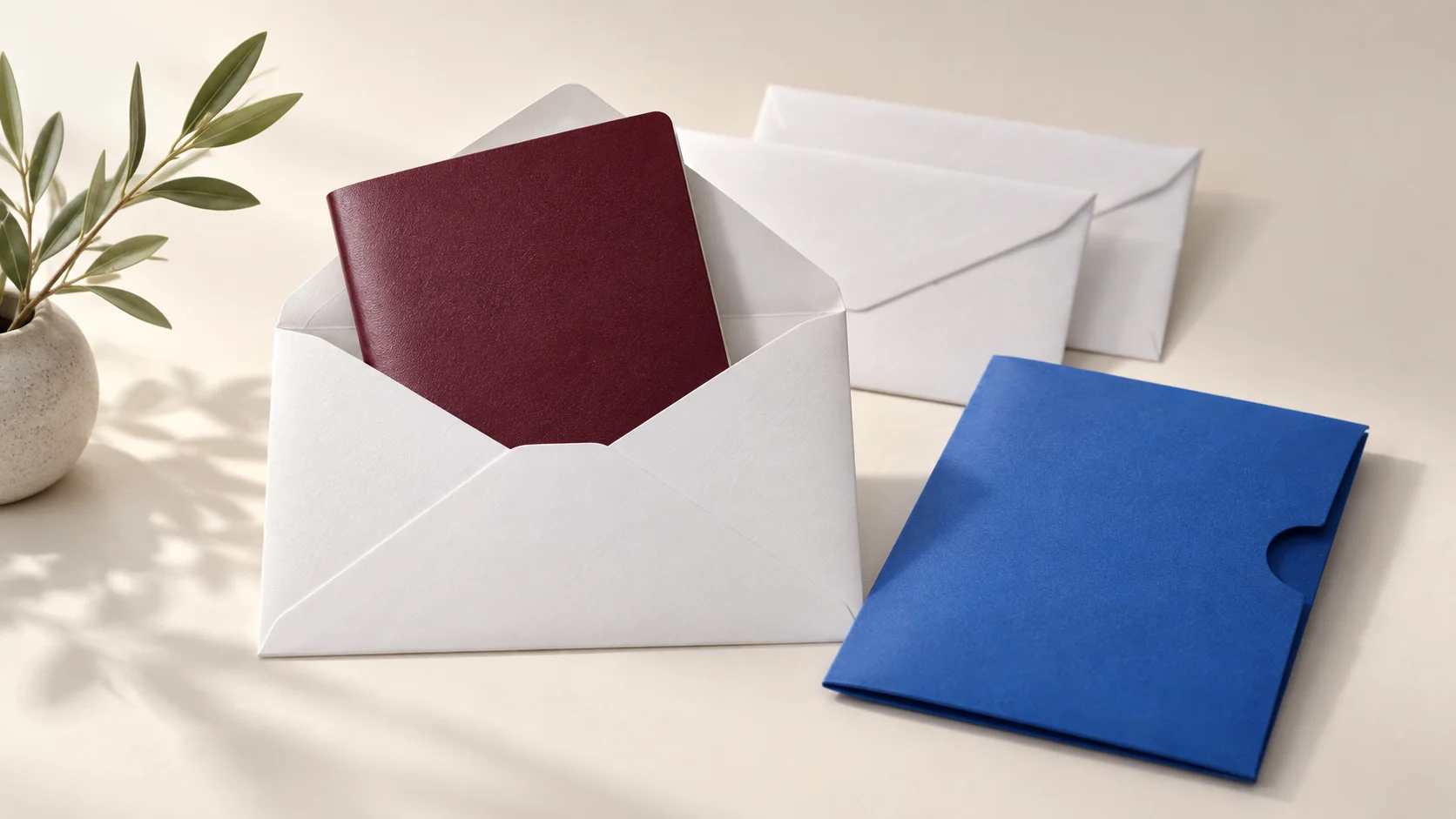
When you ask clients to upload their passport through a secure link instead of emailing it, one of their most sensitive documents does not end up sitting in mailboxes for years. That protects your client, and it protects your firm: a passport copy that leaks from your mailbox can be a data breach you have to report.
This article explains why an emailed copy lingers for so long, what your firm can do instead, how to request a copy safely and where the limits are of what a file transfer service can do for you.
Why an emailed copy lingers for years
An email with a passport copy does not live in one place. It sits in your client's sent folder, in your inbox, on the servers of both email providers and often in backups too. If a colleague forwards it to the case file or another department, more copies appear. Delete the email, and all those other copies are still there.
An example. A client emails their passport for a mortgage application. Your assistant forwards it to the adviser, who forwards it to the lender. Two years later the same copy still sits in four mailboxes, including those of staff who left long ago. Nobody did anything wrong, and yet nobody is in control of the copy any more.
Such a copy holds everything someone needs to pose as your client: photo, name, date of birth, document number and signature. If a mailbox is taken over or an email goes to the wrong address, that whole kit ends up with a stranger. For your client that means a risk of identity fraud, for your firm a possible data breach.
What your firm can do
- Ask only for what is needed. Request a copy when the law or your engagement really requires it, and no more than that. Does the national ID number need to be visible? Often it does not.
- Point your client to a watermarking tool. In the Netherlands, the government's free KopieID app lets your client blank out the citizen service number or the photo and add a watermark saying who the copy is for and why. That makes it useless for anything else.
- Have the copy uploaded instead of emailed. Send your client a link to deliver the file to you encrypted. Then the copy is not in their sent folder and not in your inbox.
- Do not keep the copy longer than needed. Record where copies of ID documents are stored and delete them once you no longer need them, unless a law requires you to keep them longer.
Where the limits are
A secure link solves a large part of the problem, but not all of it. It keeps the copy encrypted on the way, keeps it out of mailboxes and stops working by itself after a few days. But as soon as you download the copy, it sits on your computer or in your document system. From that moment on, you decide how well it is protected and how long it is kept. No file transfer service can do that for you.
The same applies the other way round. If you send a document to a client, it sits on their device once they download it. A link that expires does not take back a file that has already been downloaded.
How that works at TransferGuard
With file requests, you send your client a link to an upload page in your firm's branding. Your client confirms with a code by email and uploads the copy without an account. The file is encrypted in your client's browser before it is sent, and only you can open it. After the period you choose, 5, 14 or 30 days, we delete the file from our server.
File requests are part of Certified Delivery, at € 15 a month excluding VAT. It also includes a PDF report with a timestamp from an independent party. With the free plan you send files yourself, up to 3 GB per transfer and 3 transfers a month.
Common mistakes
- Asking for a copy just in case. What you do not request cannot leak.
- Leaving the email with the copy in your inbox. Save the copy to the case file and delete the email, including from the deleted items folder.
- Letting clients send their passport through a chat app. Then it sits on phones and in cloud backups you have no view of.
- Assuming an expired link cleans everything up. Whatever has been downloaded stays wherever it was saved.
Which documents you may request, and how long you may or must keep them, is set by the law and your professional rules. TransferGuard helps you receive and send files securely, and does not replace a legal duty to identify.