Email, a regular download link or a secure link: what is the difference?
Sharing files can be done in three ways that look the same. This is what they mean for your security, how the risk arises and which one fits when.
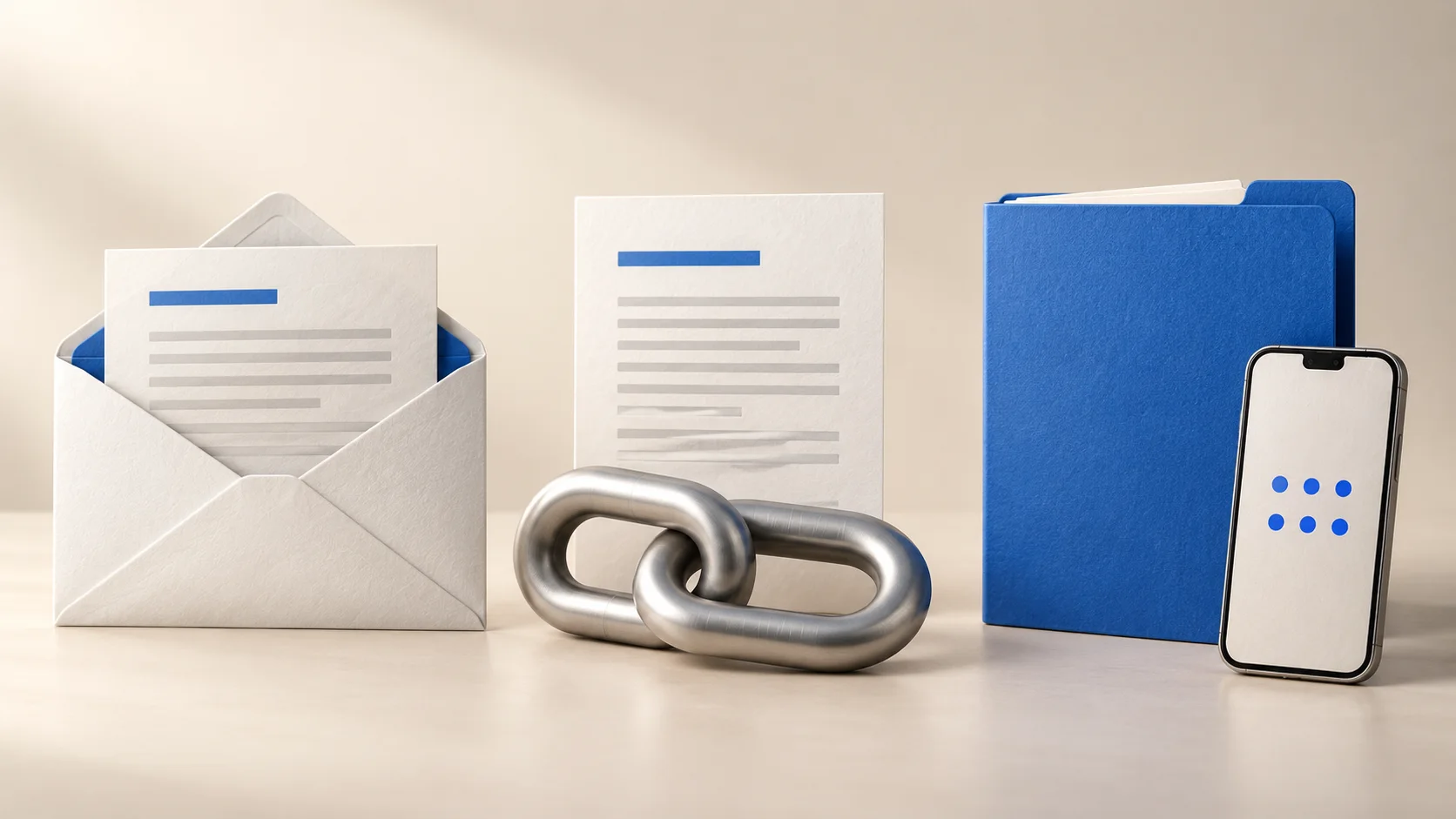
If you know what happens to a file on its way, you can choose per document what fits, and avoid a passport or set of annual accounts sitting in a mailbox for months where you no longer have any control. The trouble is that an attachment, a regular download link and a secure link look almost the same to the recipient. The difference lies in what happens behind the scenes.
In this article we explain for each method how the risk arises, with examples from the daily work of an office. After that you get a simple test to decide which method fits which document.
Attachment and secure link side by side
| Email attachment | Secure link | |
|---|---|---|
| Who can get to it? | Anyone with access to the mailbox, now and later | Only someone who confirms with a code or identity check |
| How long does it stay? | No end date, even after deleting | Until the period you choose, then deleted at the service. A downloaded copy stays with the recipient |
| Can you see it arrived? | No | Yes, you get an email once everything is downloaded (with Certified Delivery also a PDF report) |
| Large files? | Often too large for an email | At TransferGuard up to 3 GB for free, up to 25 GB with Certified Delivery |
Why an email attachment is so persistent
An email is not a letter you hand over, but a copy that multiplies. The message sits in your sent folder, on your provider's mail server, in the recipient's mailbox and often on a phone, a laptop and in a backup as well. If you delete the email, those other copies do not disappear by themselves. That is why an attachment has no end date in practice.
An example: you email a client a copy of her passport because she needs it for a form. Two years later the email account of her partner, which is linked to the mailbox, is hacked. Nobody did anything wrong when sending, and yet the passport is with a stranger. The risk did not arise when sending, but from the time the file stayed around.
A regular download link is not automatically safe
A download link seems safer than an attachment, and sometimes it is: the file is no longer in every mailbox, and many services let the link expire after a while. But if the link works for anyone who has it, it is only as safe as the mailbox it sits in. If the recipient forwards it, or someone reads along, another person gets in. You do not notice.
Think of a bookkeeper who shares annual accounts with a link and puts that link in an email to a company owner. The owner forwards the email to his adviser, who forwards it to a colleague. The link can be read in each of those places, and the link itself never asks for proof that the reader is the intended person. With a regular link, holding the address decides who gets in, not the person.
What a secure link does differently
A secure link reverses the order: first check who it is, and only then release the file. A forwarded link then still works as a pointer, but not as a key. Anyone who opens the link without the right confirmation only sees a screen asking for a code.
In addition, the link expires after a period you choose, after which the files are deleted. You do not have to rely on someone's memory to clean up. And because the file is not inside an email, you can see when it was collected, instead of guessing whether it arrived.
What to look for in a secure link
Not every service that calls itself secure does what you expect. These four questions help you check for yourself, and they show why each part matters.
- Is the file encrypted before it leaves your device? That way nobody on the way or on the server can simply read it.
- Must the recipient first confirm who they are, for example with a code or an identity check? That way a forwarded or intercepted link does not help a stranger.
- Does the link expire by itself, and is the file then really deleted at the service? That way no forgotten copy stays behind there.
- Can you see when it was collected? That way you know it arrived and do not have to phone to ask.
When which one fits
The best rule of thumb is a question: what happens if this file ends up with the wrong person? If the answer is nothing much, regular email is fine. If it means damage, embarrassment or a report to a regulator, a check belongs with it.
- A short message without sensitive details: regular email is fine.
- An ordinary presentation or brochure: a regular link is enough.
- A passport, annual accounts, medical document or contract: a secure link with a code.
- Truly sensitive documents where you want to be sure who opens them: add an identity check.
Common mistakes
- Sending the code and the link in the same email. Anyone who reads that email has both, and the check is gone. Let the code reach the recipient through another channel or directly.
- Protecting a file with a password and putting the password in the email below it. That is a lock with the key hanging on the door.
- A link that stays valid for years. If nobody needs it any more, it should stop working.
- Assuming an attachment is gone because you deleted it. The recipient and the mail server keep their own copy.
- Using a regular link because the recipient would otherwise have to log in. With a good secure link that is not needed, because a code by email is enough.
How TransferGuard solves this
With TransferGuard your files are encrypted in your browser before they leave your device. By default TransferGuard emails the recipient a link without the key. The key is stored encrypted with us and is only released after the recipient confirms with a code by email, or with an identity check on Certified Delivery. A forwarded email therefore gives a stranger nothing.
If you want the key never to reach our server, you choose the option at sending where you share the link yourself. Only in that case is it end-to-end encryption. The encrypted files are stored in the EU and deleted after the period you choose. Anything the recipient has already downloaded stays on their own device.
For free you can send up to 3 GB per transfer, 3 transfers per calendar month, with files available for 5 days. You get an email once everything has been downloaded. The recipient needs no account or app. With Certified Delivery (15 euros per month excl. VAT) you can send up to 25 GB, also ask for an SMS code or identity check, and you get a PDF report with a timestamp from an independent party.
That report shows when the files were collected and that they arrived complete and unchanged. It does not prove that anyone actually read the files, nor who was behind the keyboard, unless you asked for an identity check.
This article does not name specific services. Always compare for yourself what a service promises about encryption, retention and checking the recipient.